
 By admin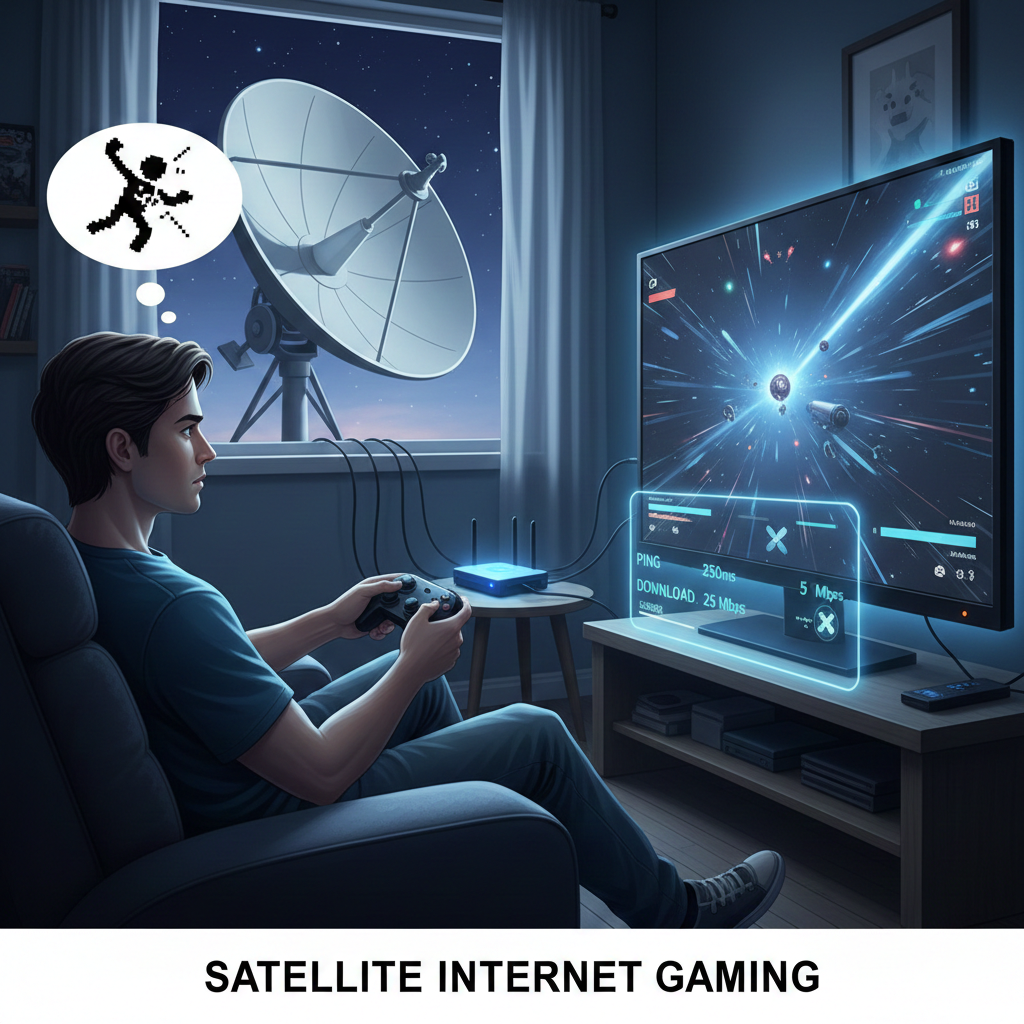
Let me guess: you live in a suburb or remote area and love multiplayer games. But, fiber internet for you is pretty much unheard of, and you’ve read some negative things about the satellite internet online. And now, you are being cautious before making a move, right?
Anyway, after the pandemic, when almost every activity we perform had a digital shift, the importance of the internet grew.
So, seeing the demand, not just the other types of internet connections like fiber or cable were improved, the best satellite internet providers upgraded their service as well, because not all had access to cable or fiber internet.
That said, has satellite internet become so good that you’d rely on it for online gaming?
The simple answer to this question is yes, provided that you go with a provider that uses low-orbiting satellites, and that is Starlink. But Starlink’s internet plans are a bit expensive, and most people want to go with something affordable like HughesNet or Viasat.
And the good news is, yes, you can game on satellite internet, and with a little optimization, you can make your experience a lot better than you think.
So, let me answer how you can make your multiplayer gaming experience better with traditional satellite internet.
What is Satellite Internet?
Before we dive right into the ways you can optimize satellite internet for gaming, I think it is important that you understand what satellite internet is and how it works.
For the what part of the question: satellite internet uses geostationary or low-earth-orbiting satellites to provide internet connection on the surface of the earth. For the how part of the question: satellites around the earth form a network with each other and to the surface of the earth, where users place the equipment at the top of their homes or even RVs.
Your devices, like smartphones, laptops, and more, are connected to that equipment, which is then connected to the satellites. When your devices request to send and receive data, they use the network of equipment and satellites to accomplish that.
How to Improve Satellite Internet for Gaming?
Now that you understand what satellite internet is and how it works, let me share how you can improve it for gaming.
Use a Wi-Fi Booster
Most of the time, the problem isn’t the internet connection. It is just your equipment.
If you have used satellite internet in the past, you might have created a Wi-Fi network for your home. Well, that Wi-Fi network is great for devices in close proximity, but not for all the corners of your house. Especially in suburbs where land is cheap, and homes are big.
So, it is always a good idea to have a Wi-Fi booster with your router. What it does is repeat your Wi-Fi signal from a device and throw it as far as it can to boost signal strength for a wider area.
To check if you really need the Wi-Fi router, evaluate the signal strength in rooms that are further away from your router’s location. If the Wi-Fi drops, you need a booster so that each room has equal strength of WiFi.
Move Your Satellite Dish to a Better Location
Now, you might have placed your dish in your backyard or somewhere low. This is not an ideal location for a satellite dish.
Remember when I told you how satellite internet works?
The equipment communicates with the satellites that are way up in the sky. So, you need to place the equipment where it can easily communicate with the signal. Maybe the roof of your home, or somewhere higher.
Remove Obstructions
Once you have placed the equipment at an optimal location, it is time to take it one step further.
The signals from satellite internet are highly prone to interference, so you’d want to make sure that they are clear of any obstructions.
What kind of obstructions might you have in your new optimal location?
Since you live in the suburbs, there is a high chance that the branches of trees are leaning towards the roof of your home. So, just make sure they don’t obstruct any equipment, and make a clear path for the signals to come and go from the dish.
If there are no trees or branches around, there might be something else that can interfere with the signal. Either remove such things or relocate your dish to a new location that is clear of all obstructions.
Use Ethernet Cable
Last but not least, if Wi-Fi boosters don’t work, you can always use an Ethernet cable. And this is something that gamers need to do for the best online gaming experience. I know it can be tedious, but trust me, it’s worth it.
This comes in super handy if you have a low number of people at home, and they can disconnect for a while, so you can play another round of Arc Raiders with your friends.
Just use an Ethernet cable that comes directly out of the equipment to your computer. This will specify every bit of the bandwidth for that one device in which it is plugged in.
So, that is it for the ways you can optimize satellite internet for gaming. And now, I hope that your Wi-Fi signals don’t get delayed the way Rockstar Games is delaying the launch of GTA 6.